It is the black bar you already look past.
On a MacBook, the strip around the camera is dead space the system leaves empty. GuitarNotch lives there, and what it shows depends on what you are doing.

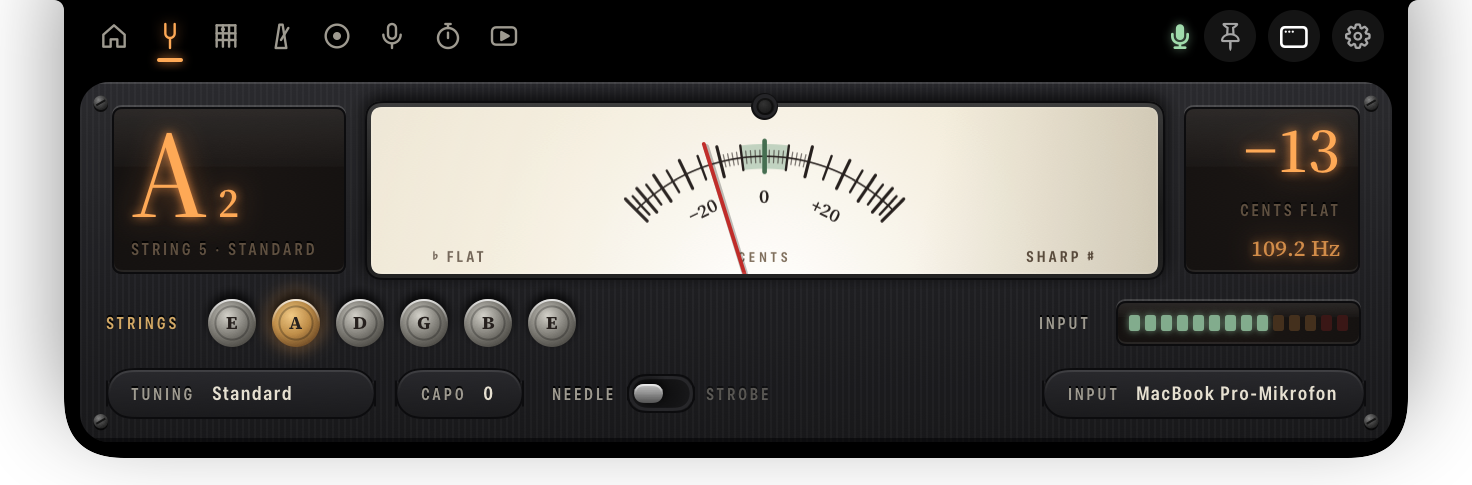
Tuning. The note you are playing, and how far off you are, to the cent.

Keeping time. The tempo and a pendulum that swings while you play.

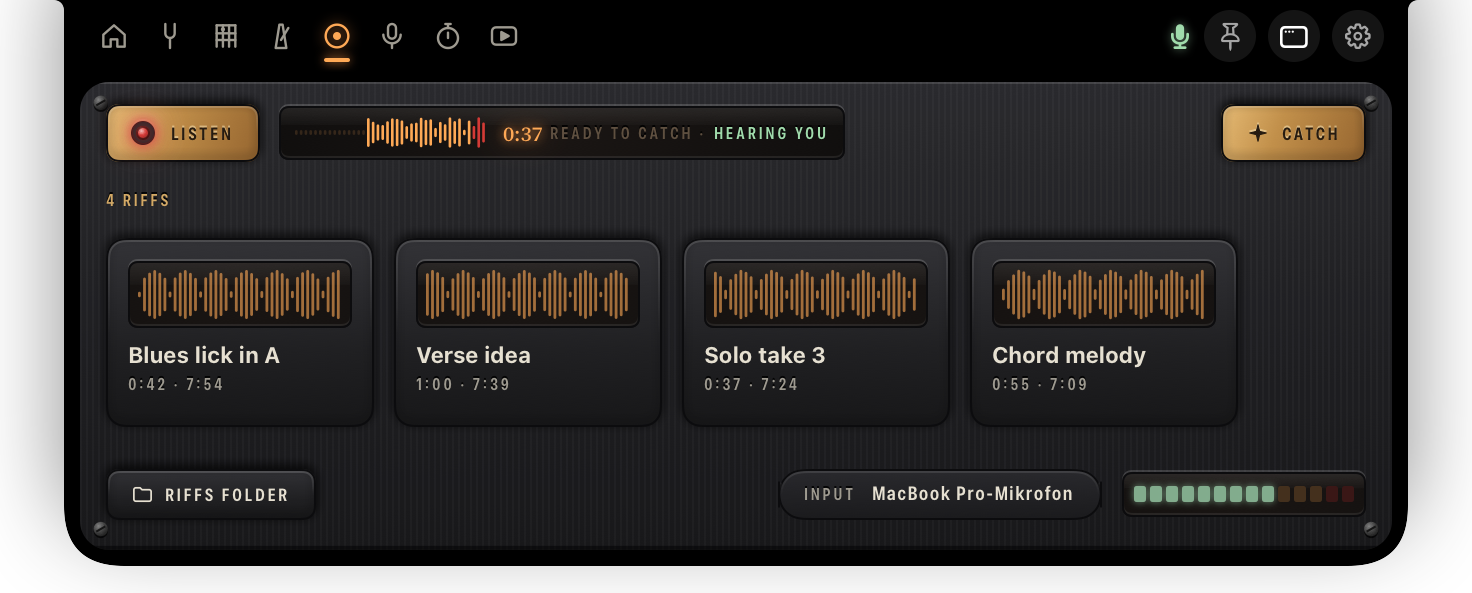
Listening. A red lamp and the seconds already held, ready to catch.

Practising. The session clock, and a ring of today against your goal.
A needle that stands still.
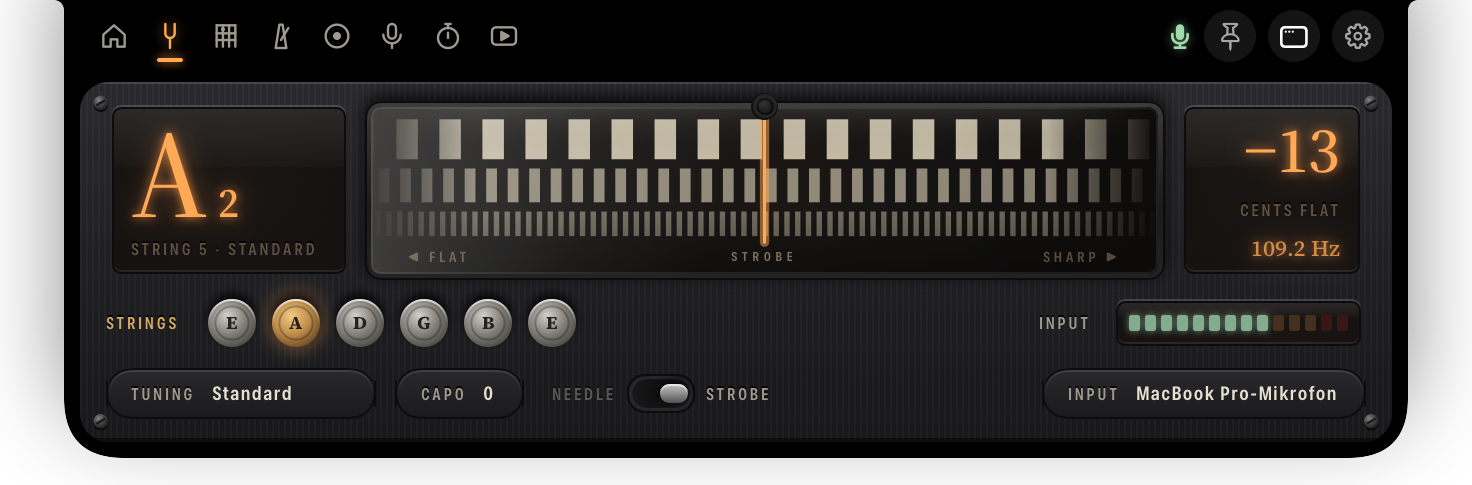
The note, the string, the cents, the frequency. Take the needle, or a strobe whose bands stop drifting the moment you land on the note. Eight tunings and chromatic, a capo, a reference pitch from 415 to 466 hertz, and your pick of input and channel, so it listens to your interface and not to the room. Switch on listen for my guitar and it comes down by itself when you play.
It was already listening.
The good one always happens before you press record. While GuitarNotch listens, the last thirty seconds of your playing sit in a buffer, or one, two, five minutes if you want more room. Press Catch and what you just played is saved: a 24-bit WAV with the silence trimmed, in your Music folder. Drag it out of the notch straight into your DAW.
Then play it back until it is yours.
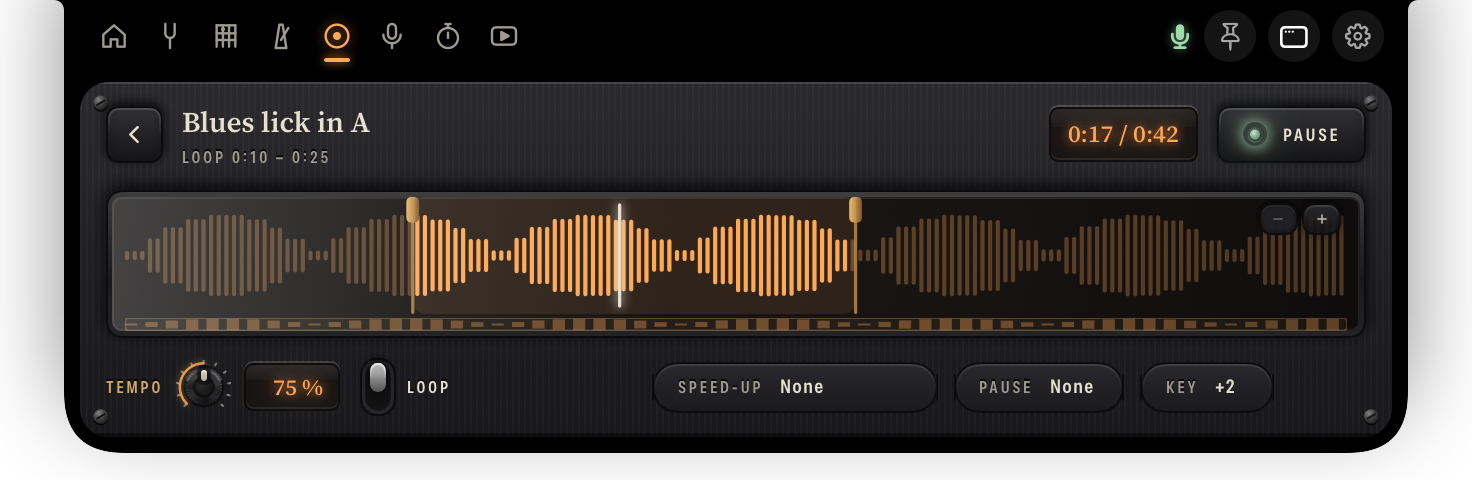
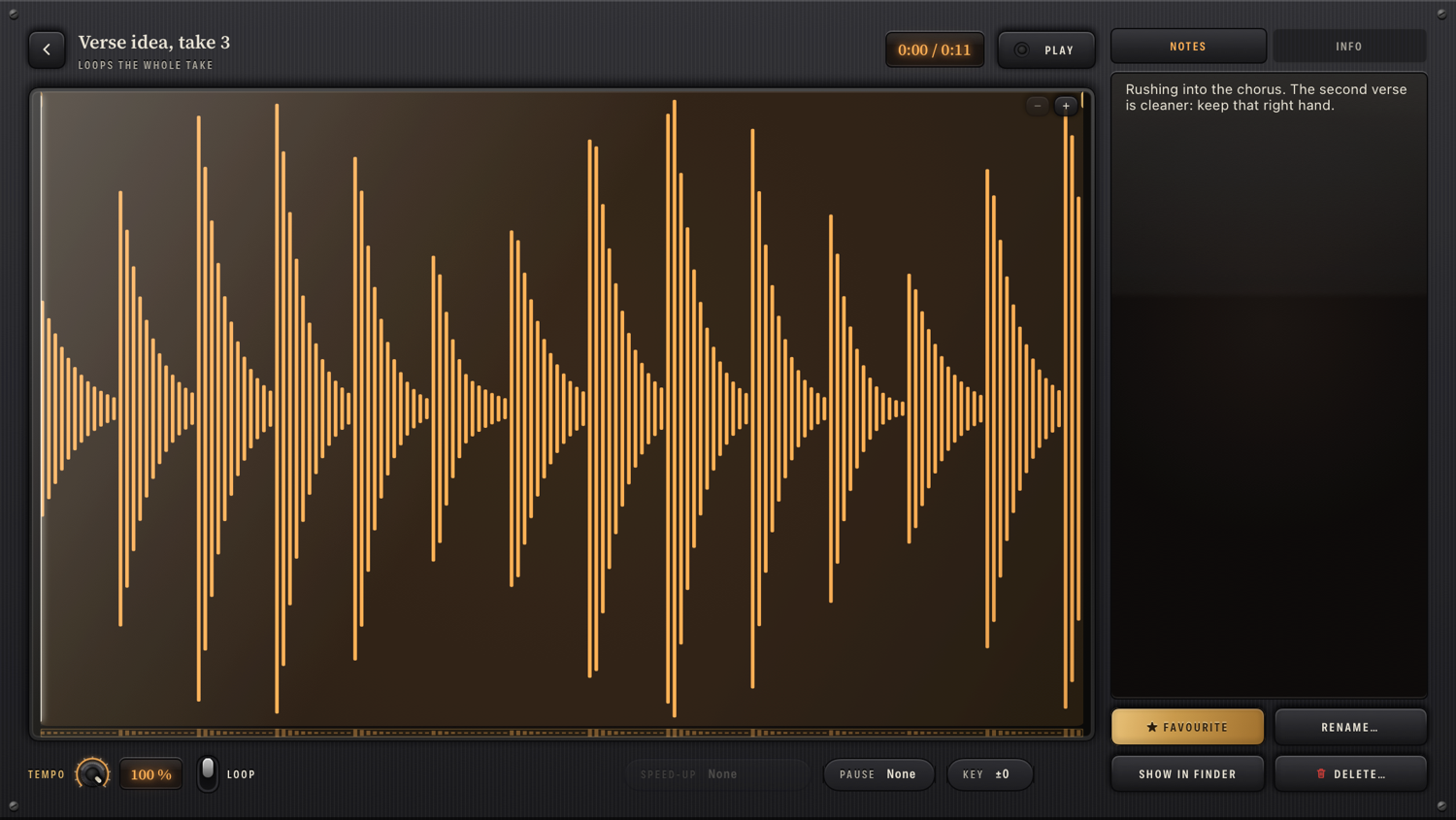
Every caught riff opens in a player built for practising, not for listening. Drag a loop across the waveform, take it down to half speed without touching the pitch, transpose it up to an octave either way, and let it climb a little faster with every pass.
Keep time without looking away.
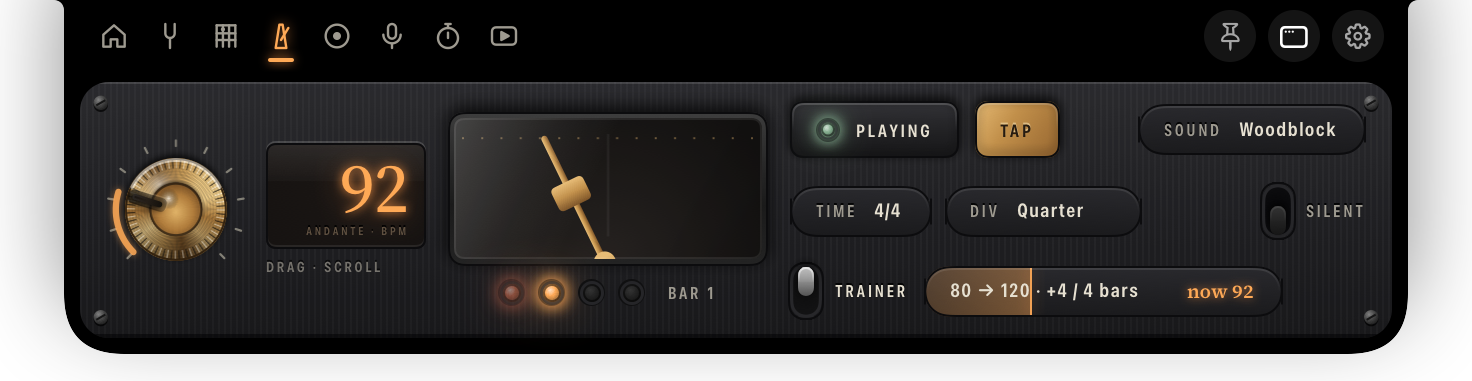
A brass knob you drag or scroll, tap tempo, time signatures, subdivisions, three click sounds. Silent mode leaves you the pulse and nothing to hear. The trainer walks the tempo up on its own, eighty to a hundred and twenty, a step every four bars. The notch itself can swell on the beat.
Shapes that fit the way you are tuned.
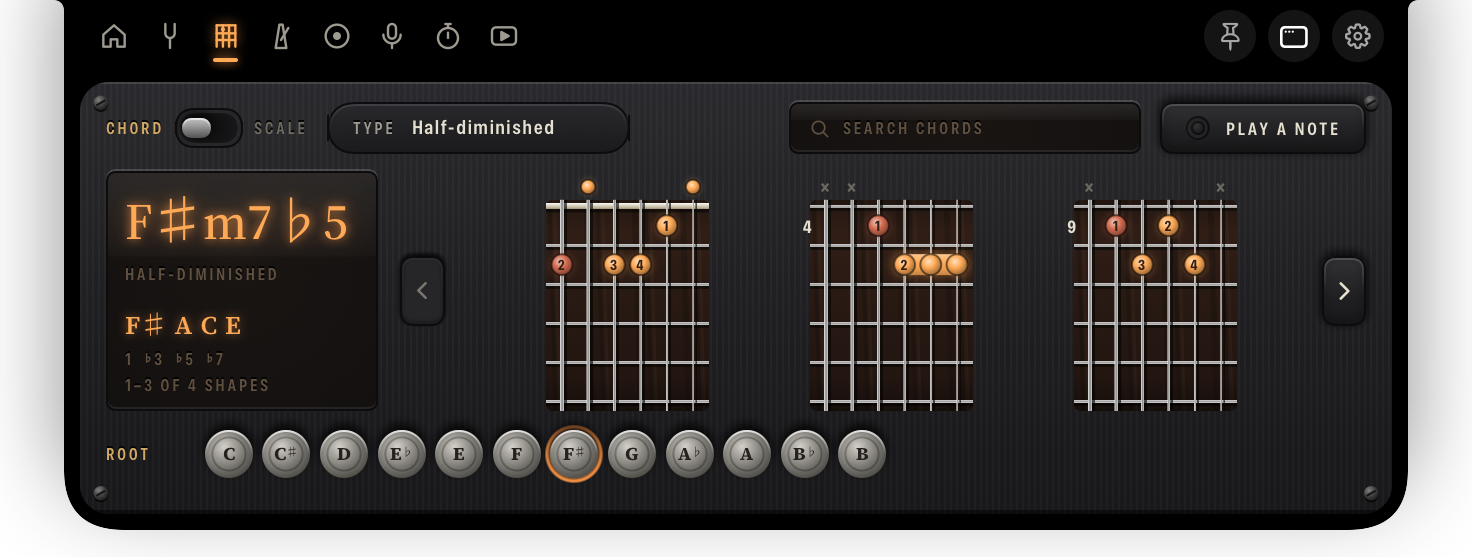
A fretboard drawn for your tuning and your capo, with the fingers as lamps on rosewood. Type a name like F#m7b5, page through the shapes that actually play, and switch between note names and intervals. Play a note and it takes that as the root.
A session that starts itself.
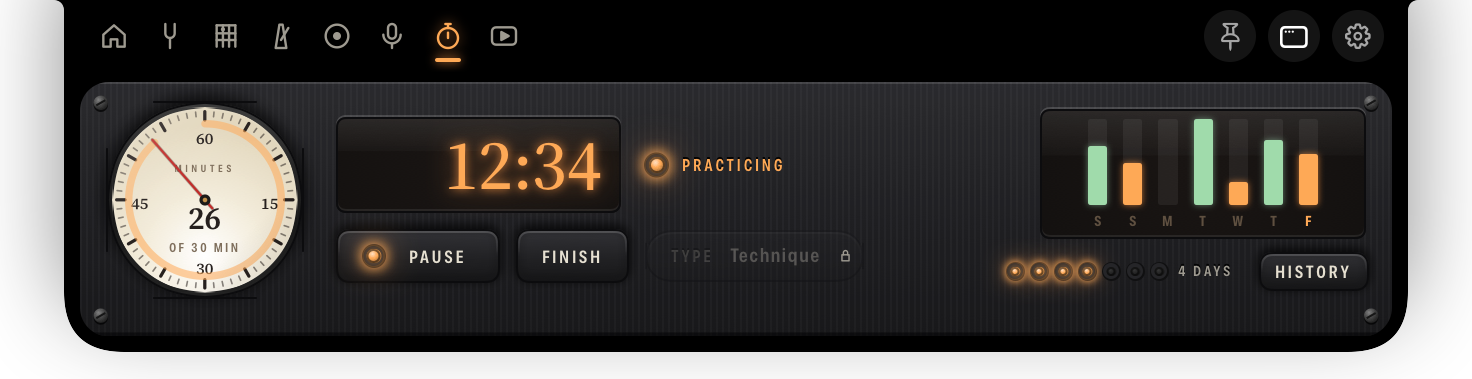
A stopwatch, a daily goal and a streak. Leave it on automatic and it starts when it hears a guitar, pauses through the silence, which it does not count, and finishes once you have clearly stopped. The history is yours to export.
When you mean to keep it.
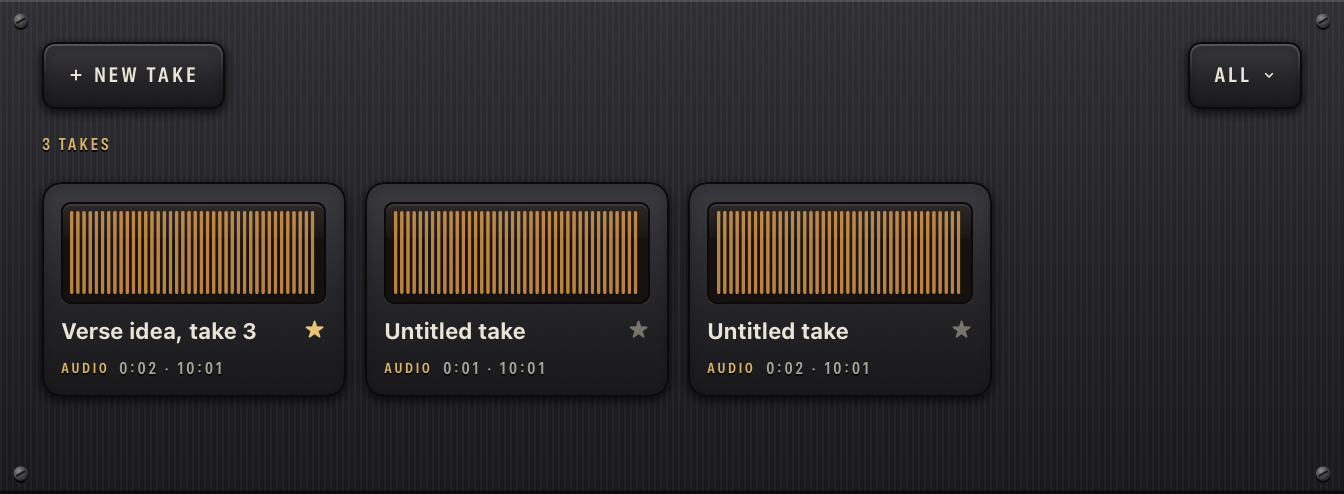
A riff is caught after the fact. A take is recorded on purpose: check the level, press Rec, play, stop. It lands as a WAV in your Music folder, or as a film if you switch the camera on, so you can watch your hands while you listen back. The sound is the guitar input’s either way, never the camera microphone’s. Each take keeps what belongs to it: a name, a star, the tempo it was played at, and your note on what to fix.
Practise against the lesson.
Add a video from YouTube and it stops being something you watch. Loop the bar you keep missing with brass handles on the timeline, mark the spots worth coming back to, drop the tempo, and write down what the teacher actually said. Every video carries its own tuning, capo and tempo, and one press hands them to the tuner and the metronome. Tabs and sheet music can hang off it too.

It is a normal Mac app too.
Pull the panel off the notch and it becomes a window like any other: moved where you like, sized how you like, kept in front while you track. The tabs are not a shrunken notch in there. They are laid out for the room they get, so riffs, takes and videos become libraries of cards with a full-size player, the notes and the details beside it, and the tuner becomes a face you can read across the desk.
The panel can also simply stay pinned open while you work. On a Mac without a notch, GuitarNotch draws one at the top edge.
Wherever it sits, each tab has a key of its own, and you can change them all.
- ⌃⌥T Tuner
- ⌃⌥M Metronome
- ⌃⌥R Catch a riff
- ⌃⌥P Practice
- ⌃⌥V Videos